Height Adjustable Desks in Sydney: Size, Stability, Delivery and Setup Guide
If you are comparing height adjustable desks in Sydney, it helps to think beyond the phrase “standing desk”. The right desk is not just one that can move up and down. It should fit your room, your body, your equipment and the way you work each day.
This is especially important in Sydney homes and offices where space can vary a lot. A desk for a compact apartment study nook is different from a desk for a full commercial office, a creative workstation or a dual-monitor home office.
This guide covers the practical checks that matter most: size, stability, setup, cable management, charging, delivery and daily usability.
Choose the desktop size before choosing the finish
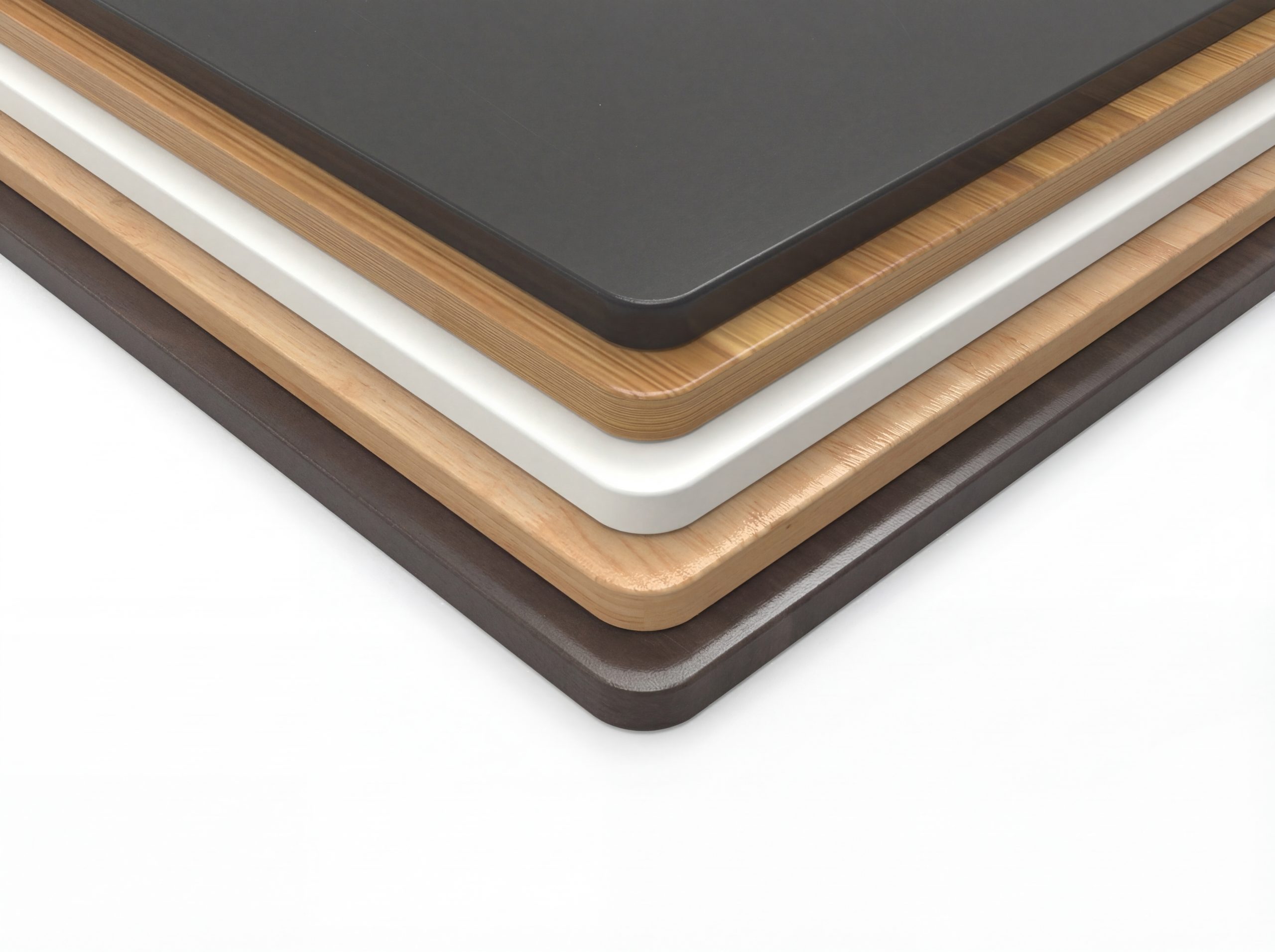
Colour and material matter, but size should come first. A desktop that is too small can make the workstation feel crowded. A desktop that is too large can make a room harder to use.
Common standing desk sizes include:
- 1200 x 600 mm for compact workstations.
- 1500 x 750 mm for many dual-monitor and general home office setups.
- 1800 x 750 mm for larger workstations with more equipment.
For Sydney buyers working in apartments, bedrooms or shared spaces, measure the area carefully. Leave room for the chair to move back. Check nearby power points. Think about whether the desktop will block windows, wardrobes or walkways.
If you use two monitors, a laptop stand, speakers or a monitor arm, the extra depth of a larger desktop can make a big difference.
Make sure the height range works for your body
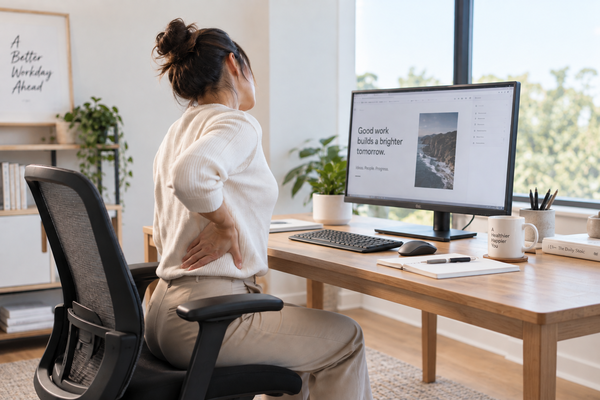
A height adjustable desk is only ergonomic if the height suits the user.
At sitting height, your elbows should be relaxed near the keyboard and your shoulders should not lift. At standing height, you should be able to type without leaning forward or shrugging. Your screen should also be high enough that your neck stays comfortable.
Before buying, check:
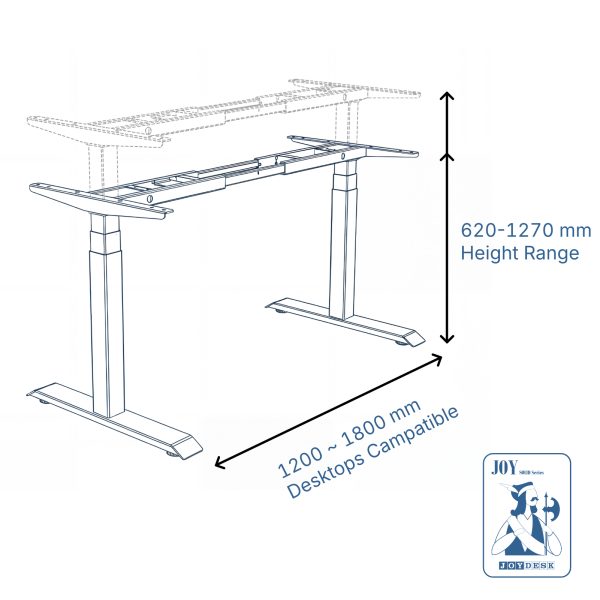
- Minimum and maximum height.
- Whether the height suits your seated chair position.
- Whether the standing height works with your shoes or floor mat.
- Whether another user will share the desk.
Shared desks need more flexibility. A strong height range and saved presets can make the desk easier for multiple people to use.
Stability matters more as the desk gets higher
A desk can feel stable when seated and less stable when raised. This is normal to some degree, but a well-designed sit stand desk should still feel secure at working height.
Stability depends on the frame, column design, desktop size, load weight and assembly quality. A wide desktop with multiple monitors needs a frame that can support it properly.
When reading product pages, look for details such as:
- Load capacity.
- Motor type.
- Leg structure.
- Desktop compatibility.
- Warranty information.
- Assembly instructions.
If the listing is vague, compare carefully before buying.
Think about cable management before setup day
Cable management is easy to forget until the first time the desk moves upward and pulls on a charger or monitor cable.
A sit stand desk needs cables that can travel with the desktop. Power boards, monitor cables, laptop chargers and accessory cables should be secured in a way that allows safe movement.
Useful setup checks:
- Use cables long enough for the full height range.
- Keep power boards off the floor where possible.
- Avoid tight cable tension at standing height.
- Use a cable tray or cable snake if the setup has several devices.
- Test the full up-down movement before finalising the workstation.
This is particularly important for workstations with monitor arms, docks, lamps or under-desk accessories.
Decide whether USB charging matters to you
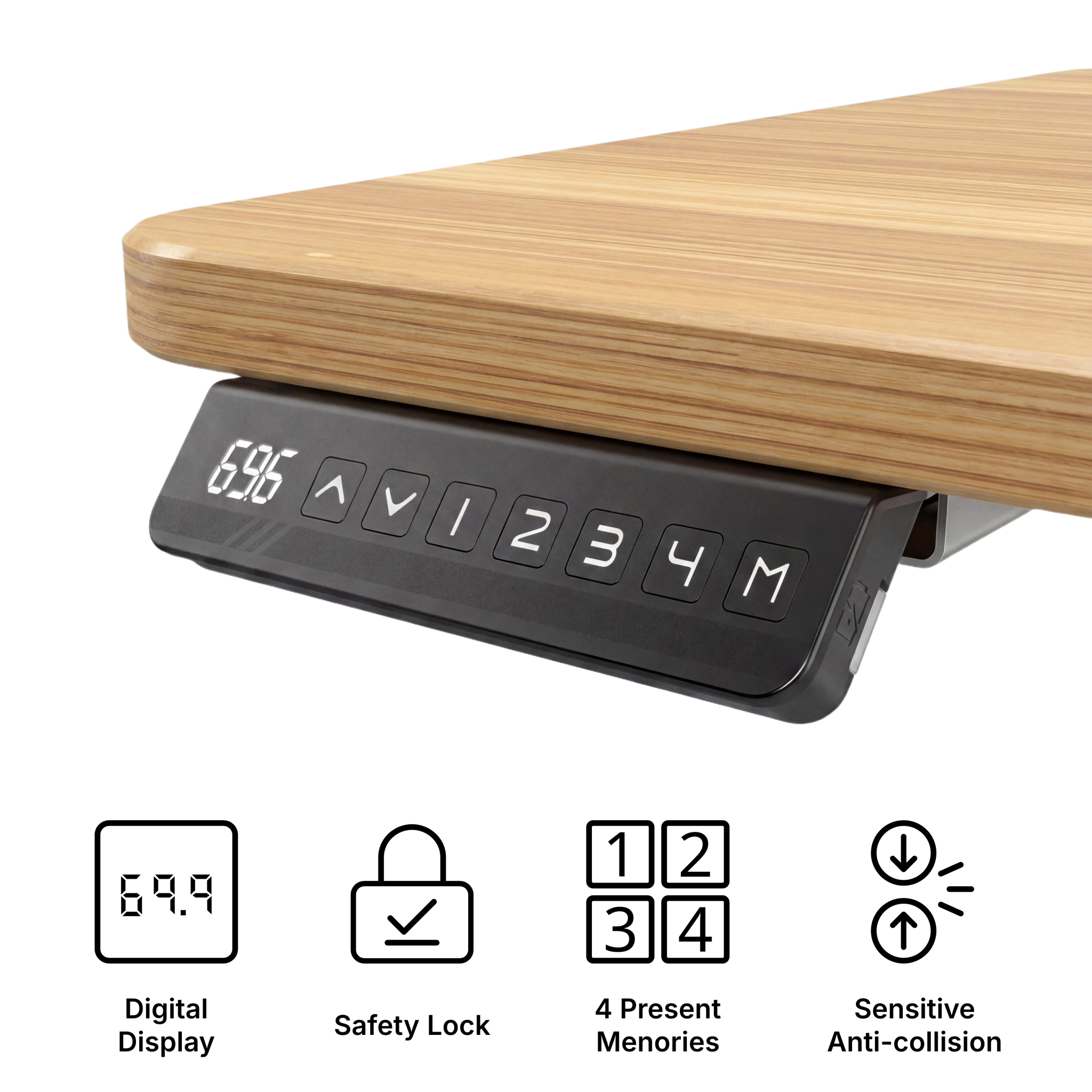
A standing desk with USB charging can help keep the workstation cleaner, especially if you charge a phone, tablet or small accessory during the day.
USB charging is not the only reason to choose a desk, but it can be useful when paired with good cable management. It reduces the need for extra charging bricks on the desktop and keeps commonly used devices within reach.
When comparing options, treat USB charging as a practical convenience, not a replacement for core desk quality. Frame stability, height range and desktop size still come first.
Check delivery details for your Sydney address
Before ordering a height adjustable desk in Sydney, check the delivery details for your exact address at checkout. Large desktops and desk frames may arrive in multiple packages, so it is worth planning where they will be placed before assembly.
For apartments, consider:
- Lift access.
- Building entry rules.
- Package size.
- Where the desk will be assembled.
- Whether you need someone available to receive the delivery.
Do not rely only on the word “Sydney” in a page title or advertisement. Confirm the actual delivery estimate, cost and policy before purchasing.
Build the workstation around daily habits
The best height adjustable desk is the one you actually use. If changing height is slow, awkward or inconvenient, the standing function may become decoration.
To make the desk part of your daily routine:
- Save your preferred sitting and standing heights.
- Keep the desktop clear enough to move safely.
- Use a chair that supports good seated posture.
- Position the monitor at eye-friendly height.
- Set natural moments to stand, such as calls or reading sessions.
Small setup choices can make the difference between a desk that is used properly and one that stays at the same height all week.
Conclusion
When buying a height adjustable desk in Sydney, choose by fit and function first. Measure the room, check your working height, compare stability, plan cable management and review delivery details before ordering.
JoyDesk offers electric sit-stand desk options for Australian home and office workstations. Explore the range here:
FAQ
What size height adjustable desk should I buy in Sydney?
For compact rooms, 1200 x 600 mm may be enough. For dual monitors or a more complete workstation, 1500 x 750 mm is often more practical. Larger spaces may suit 1800 x 750 mm.
Is a height adjustable desk the same as a sit stand desk?
In most buying contexts, yes. A sit stand desk is a height adjustable desk designed to support both seated and standing work.
Is USB charging useful on a standing desk?
USB charging can be useful for keeping phones and accessories powered without adding more clutter to the desktop. It should be considered a convenience feature alongside stability, height range and size.
What should Sydney apartment buyers check before ordering?
Check room measurements, lift or stair access, package handling, power point location, desktop size and delivery details for the exact address.