Why Does My Back Hurt After Sitting All Day? Can a Standing Desk Help?
If your lower back feels stiff or uncomfortable after a full day at your desk, you're not alone. For many office workers, discomfort can build gradually after hours of emails, meetings and screen time — especially when there are few opportunities to move.
But is sitting itself the problem? And can switching to a standing desk actually help?
The answer is more nuanced than simply saying "sitting is bad and standing is good." Research suggests that prolonged and static sitting, fewer breaks and workstation posture can all be relevant to lower-back discomfort. At the same time, standing all day isn't the answer either. The goal is to create a workspace that makes it easier to change positions and move regularly throughout the day.
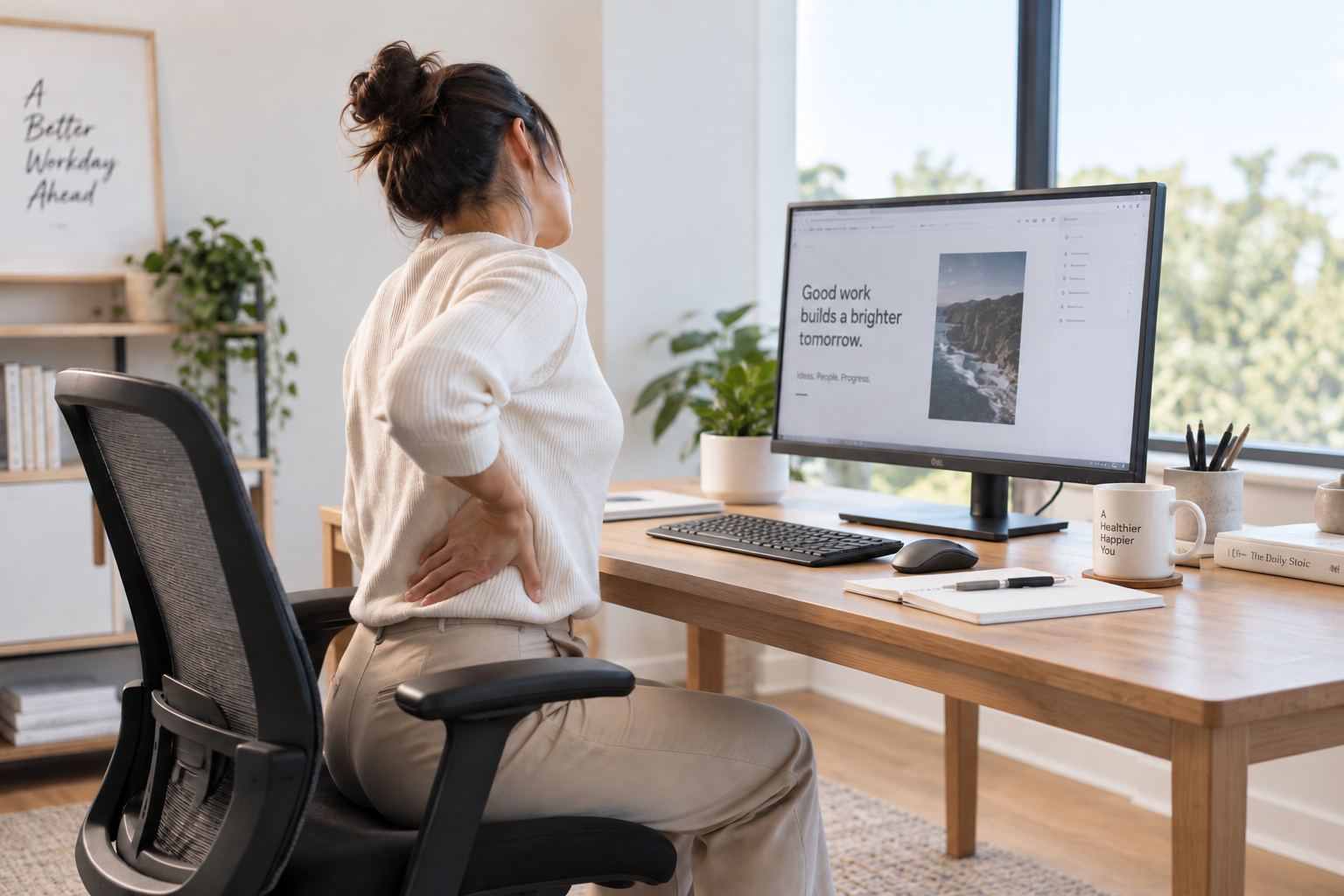
Why Can Sitting All Day Make Your Back Feel Uncomfortable?
1. You're staying in the same position for too long
Think about a normal office morning. You sit down, answer a few emails, join a meeting, start working on a project — and suddenly two hours have passed.
Even if your sitting position initially feels comfortable, staying relatively still for a long period can become uncomfortable.
A recent review of office workers found that longer sitting time, poor sitting posture, fewer breaks and more static sitting were associated with low-back pain, with sitting behaviour showing particularly consistent associations.
Safe Work Australia also recommends designing workstations so workers can vary their posture and movement rather than sitting or standing for long periods.
So instead of searching for one "perfect posture" to maintain for eight hours, it can be more useful to think about changing positions regularly.
2. Your desk and chair may not fit you properly
A fixed-height desk isn't automatically the right height for everyone.
If your work surface is too high, you may find yourself raising your shoulders to reach the keyboard and mouse. If it's too low, you may gradually lean forward over the desk.
Your chair also needs to work with the desk. You might adjust your chair to a comfortable position for your legs, only to discover that the desk is now too high for your arms.
Safe Work Australia's workstation guidance recommends a comfortable, upright working position with relaxed shoulders and notes that different workers require different working heights. Adjustable workstations are one way to accommodate those differences.
3. Your screen setup may encourage you to lean forward
Ever notice yourself getting closer and closer to your monitor as the day goes on?
Your monitor position can affect the way you sit at your desk. A screen that is poorly positioned may encourage you to lean forward or repeatedly adjust your head and upper body to see comfortably.
As a general workstation principle, Safe Work Australia's guidance recommends keeping the head in a neutral position, placing the screen roughly an arm's length away and positioning it so the top of the screen is around or slightly above eye level depending on the setup.
This is also where an adjustable monitor arm can be useful, particularly when switching between sitting and standing.
Can a Standing Desk Help With Back Discomfort?
A standing desk may help some people reduce low-back discomfort, but it shouldn't be viewed as a treatment for back pain.
A systematic review and meta-analysis of sit-stand workstations found a small reduction in low-back discomfort among pain-free workers, while also noting that more research was needed to determine the ideal amount of sitting and standing.
Importantly, the solution isn't to replace eight hours of sitting with eight hours of standing.
Another systematic review found that prolonged standing did not produce significantly less perceived low-back pain than prolonged sitting, suggesting that simply swapping one static posture for another isn't the ideal approach.
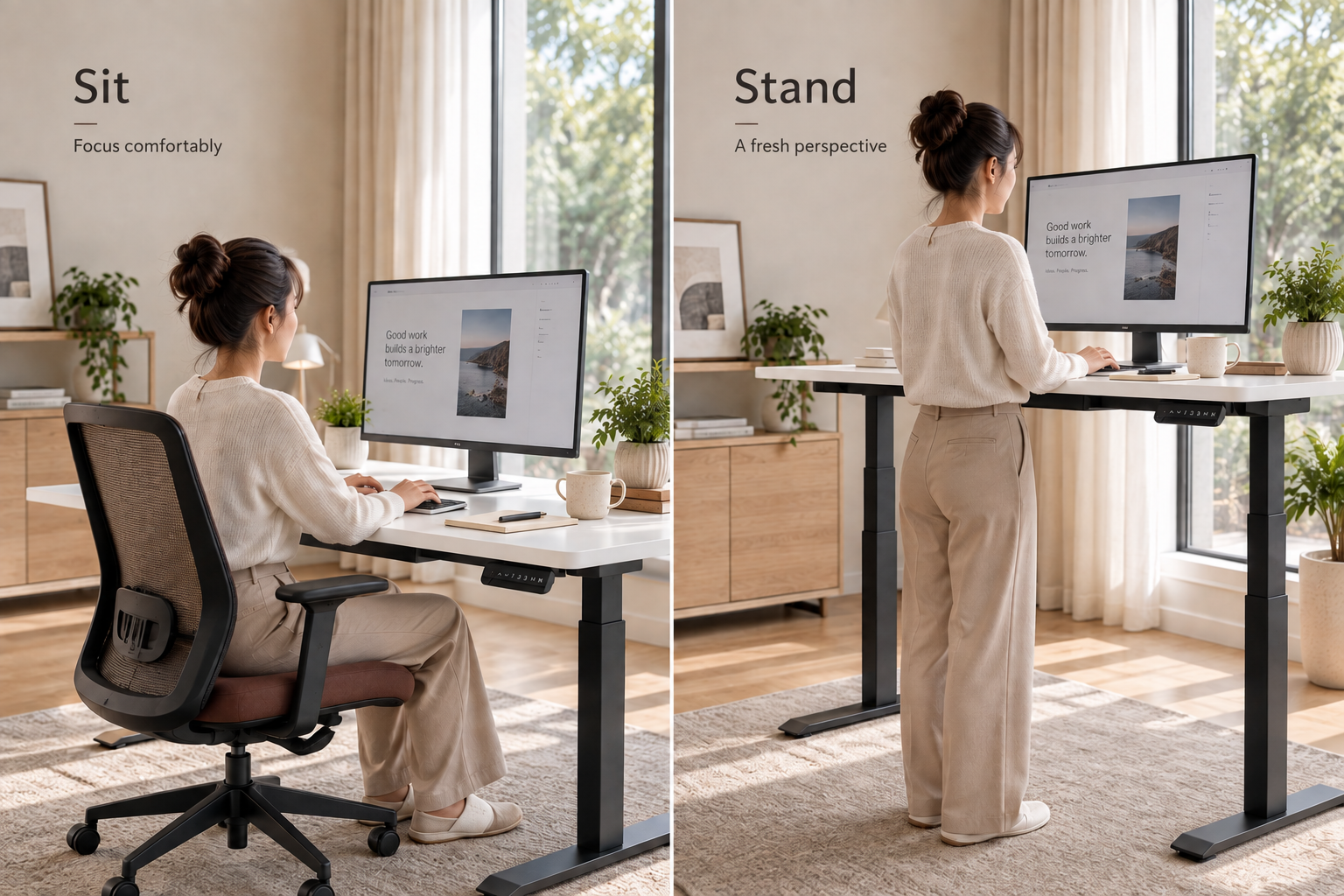
That's where a height-adjustable standing desk can be useful.
Instead of:
Sit → Sit → Sit → Sit → Go home
Your workday can include more variation:
Sit → Stand → Sit → Walk → Stand → Sit
The key benefit isn't standing for as long as possible. It's having the flexibility to change your working position without interrupting your workflow.
How Long Should You Sit and Stand?
There's no universal sit-to-stand schedule that works perfectly for everyone.
Instead of forcing yourself to stand for a fixed number of hours, start gradually and change positions based on the task and your comfort.
For example, you might:
-
stand while checking emails;
-
stand during a short video call;
-
sit for focused work;
-
walk when taking a phone call; and
-
change position whenever you've been sitting or standing for an extended period.
Safe Work Australia specifically recommends varying postures and incorporating opportunities to stand or walk during activities such as computer work, reading documents, meetings and phone calls.
The Australian Government's movement guidelines similarly emphasise reducing and breaking up long periods of sedentary time.
The goal isn't to maximise standing time. It's to reduce long periods of staying still.
How Should You Set Up a Standing Desk?
A height-adjustable desk works best when the rest of the workstation is set up around you.
When sitting or standing, start by adjusting your desk so that your keyboard and mouse are at a comfortable working height. Your shoulders should feel relaxed, with your arms close to your body and your wrists relatively neutral.
Next, check your monitor. You shouldn't need to repeatedly lean forward or look sharply up or down to see your screen.
When you change from sitting to standing, adjust the desk and monitor again if necessary.
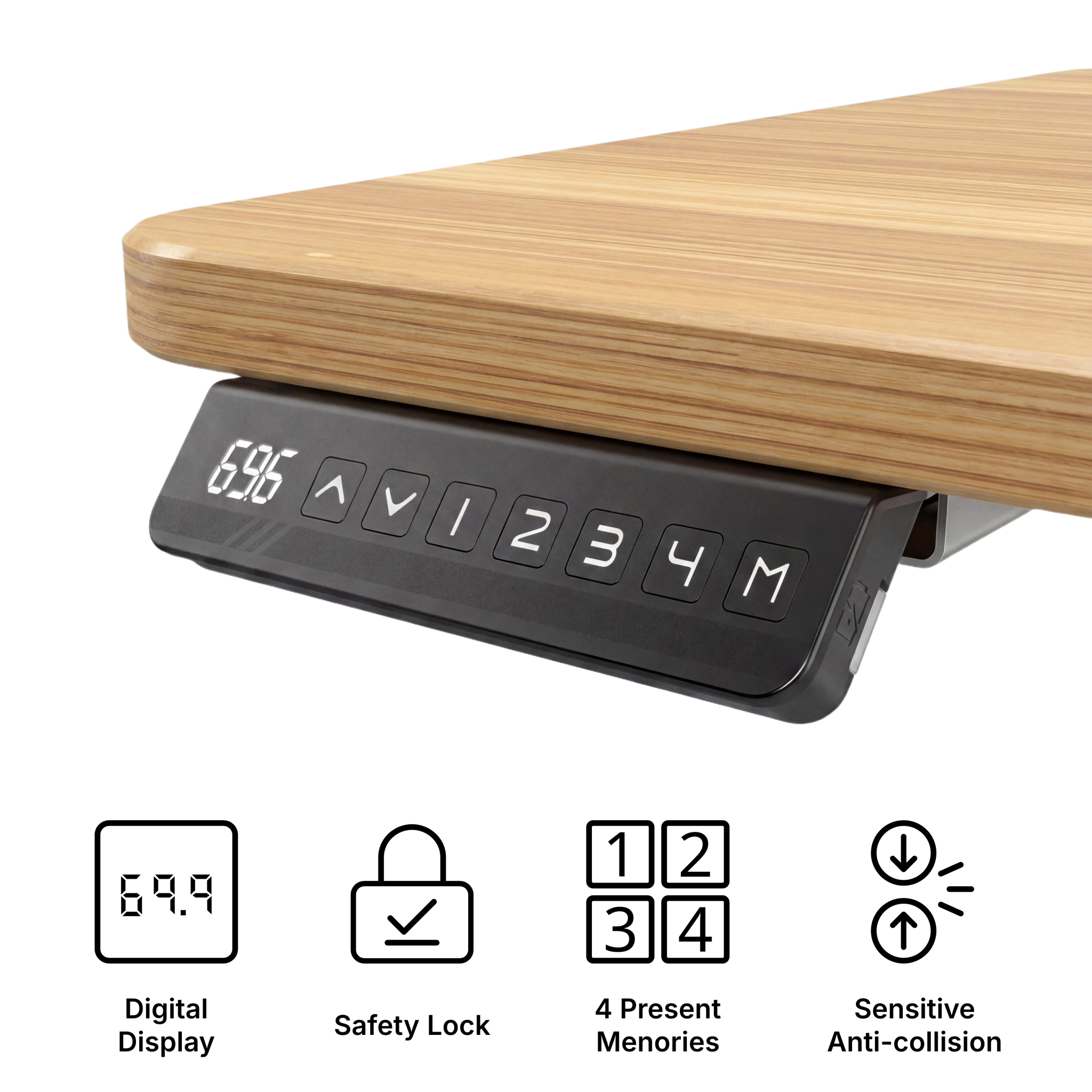
This is where memory height presets can be particularly convenient. Instead of trying to find your preferred desk height every time, you can save your regular sitting and standing positions and switch between them quickly.
What Should You Look for in a Standing Desk?
If comfort is one of the main reasons you're considering a standing desk, don't choose one based on appearance alone.
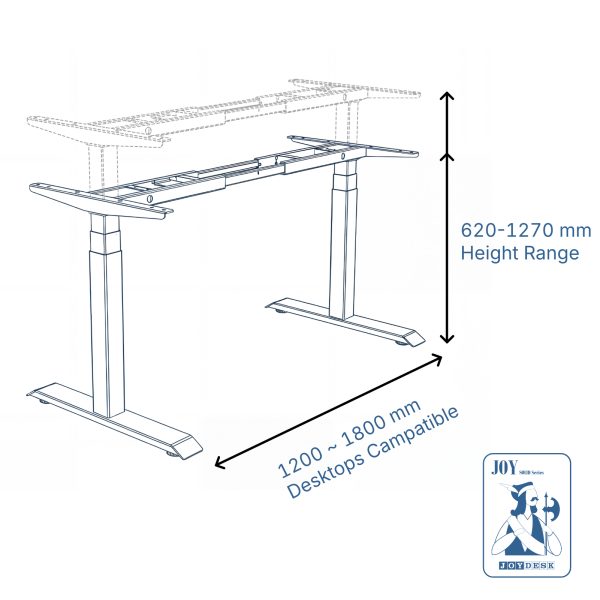
Height range is important because the desk needs to reach a suitable working height for you in both sitting and standing positions.
Stability matters too, particularly when the desk is raised. A workstation that moves noticeably while you're typing can quickly become distracting.
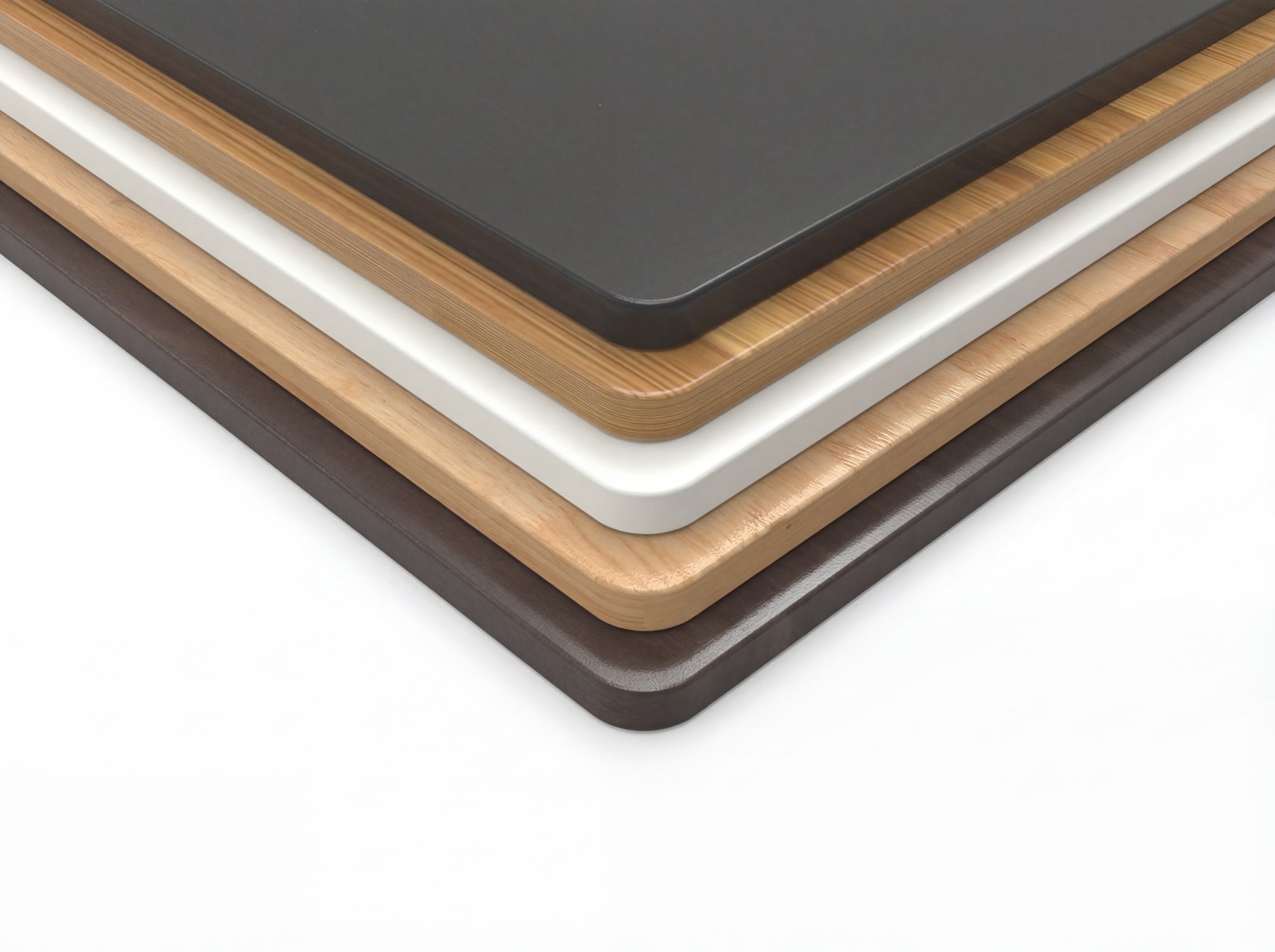
Memory presets make regular position changes easier, while an appropriate desktop size gives you enough space to position your monitor, keyboard and mouse comfortably.
You should also consider the workstation as a whole. An adjustable desk can work together with an ergonomic chair, monitor arm and appropriate cable management to create a more flexible setup.
A Standing Desk Isn't a Magic Fix
This is perhaps the most important takeaway.
A standing desk won't automatically fix back pain, and prolonged standing can also become uncomfortable.
Instead, think of a sit-stand desk as a tool that gives you more options throughout the workday.
You can sit when sitting feels right, stand when you want a change, adjust the workstation to suit your body, and take regular opportunities to move.
Research on sit-stand desks also suggests they can meaningfully reduce workplace sedentary time, reinforcing their role as a way to introduce more variation into desk-based work.
If you experience persistent, severe or worsening back pain, seek advice from an appropriate healthcare professional rather than relying on workstation changes alone.
Build a Workspace That Moves With You
Your workspace shouldn't force you to stay in exactly the same position all day.
A height-adjustable desk gives you the flexibility to move between sitting and standing while keeping your workspace ready for work.
At Joy Desk, we offer height-adjustable standing desks, ergonomic chairs, monitor arms and workspace accessories designed for home offices and commercial workplaces across Australia.
Whether you're upgrading your home office or planning a larger workplace fit-out, the goal is simple: create a workspace that can adjust with you, rather than making you adjust to it.